
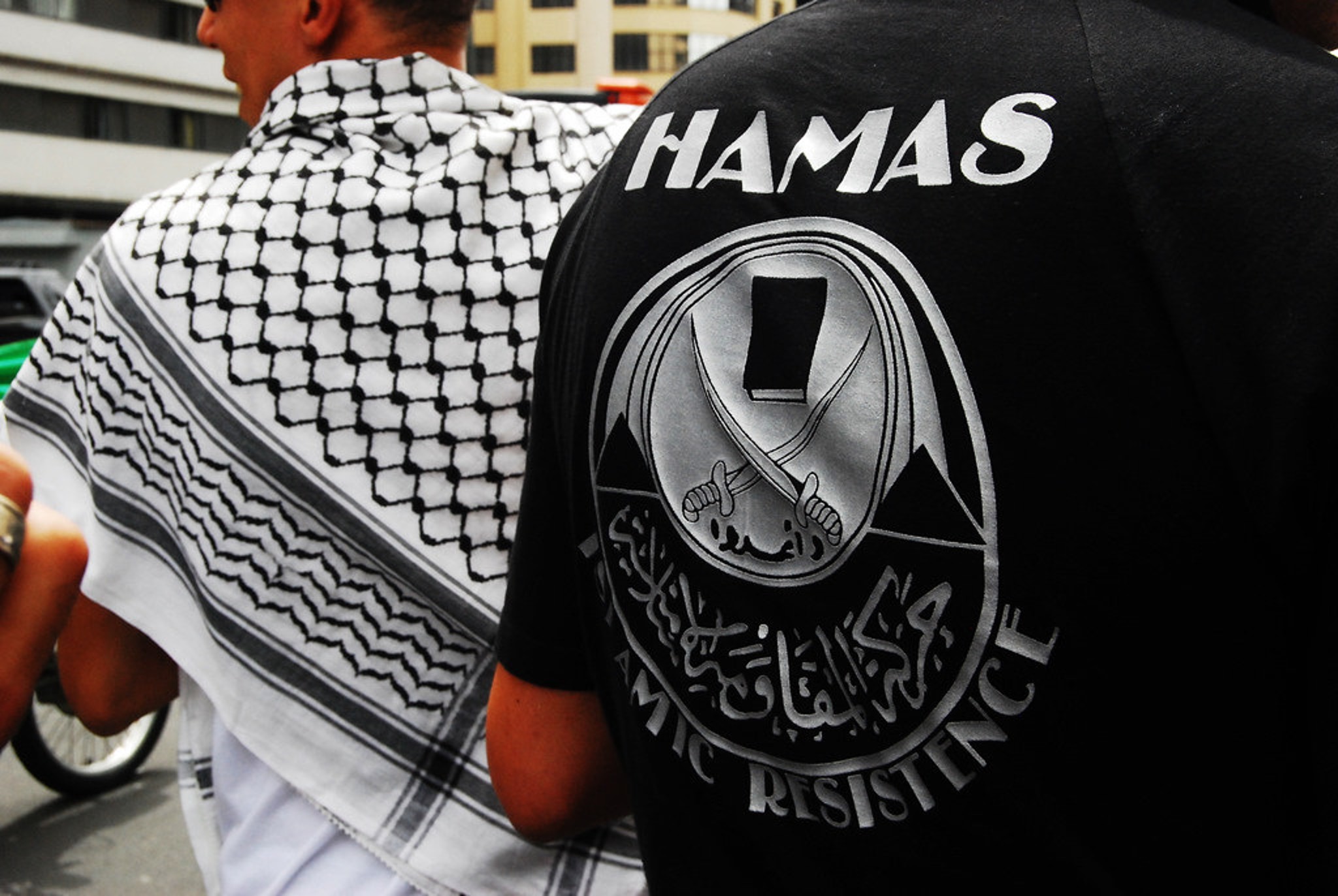
- Origins and Affiliation: Hamas, originally founded in 1987, emerged as an offshoot of the Egyptian Muslim Brotherhood. This affiliation raises concerns about its ideological roots and the influence of pan-Islamic movements. Over time, it evolved from a nonconfrontational stance towards Israel to adopting a more militant approach, signaling its transformation into a potent force in the Palestinian territories.
- Dual Nature: Dawah and Qassam Brigades: The duality of Hamas is striking. While it presents itself as a provider of social services through its Dawah wing, it simultaneously operates the Izz ad-Din al-Qassam Brigades, responsible for conducting military operations. This combination enables Hamas to gain public support while maintaining its militant agenda, challenging the traditional demarcation between political and militant organizations.
- Leadership and International Ties: Hamas’s leadership, notably figures like Ismail Haniyeh and Khaled Mashaal, have utilized international ties to pursue their objectives. Their presence in Qatar provides them with a platform to engage with regional and global actors, impacting the dynamics of the Israeli-Palestinian conflict and broader Middle East politics.
- The Elusive Two-State Solution: In recent years, Hamas has hinted at its willingness to consider a two-state solution, marking a significant shift from its earlier stance. This change may reflect a pragmatic approach aimed at international recognition and cooperation, but it also raises questions about its sincerity and the potential for lasting peace.
- International Terrorism Designation: Hamas’s actions, including suicide bombings, rocket attacks, and other acts of violence, have led to its classification as a terrorist organization by numerous countries, including the United States. This designation has profound implications for its international standing and access to resources.
- Ongoing Conflict with Israel: Since its takeover of Gaza in 2007, Hamas has been involved in four wars with Israel. These conflicts have resulted in casualties, destruction, and instability in the region, with both sides accusing each other of aggression. The persistence of this cycle of violence underscores the challenges in resolving the Israeli-Palestinian conflict.
- Arsenal of Warfare: Hamas’s military capabilities have evolved significantly. They utilize a range of weaponry, including rockets, mortars, and advanced anti-tank missiles, obtained through various means. These weapons pose a continuous threat to Israeli civilians and military forces, impacting regional security.
- The Urgent Need for Resolution: As the conflict persists, innocent civilians on both sides continue to suffer. Humanitarian crises, displacement, and destruction have become recurrent themes. The urgency for a peaceful resolution to end the cycle of violence cannot be overstated.
- Impact on Civilians: The impact of Hamas’s actions on civilian populations is distressing. Rockets fired by Hamas often result in civilian casualties in Israel, while Israeli countermeasures in densely populated areas have raised concerns about the protection of Palestinian civilians. These consequences highlight the dire need for a peaceful solution to safeguard innocent lives.
- Global Ramifications: The repercussions of the Israeli-Palestinian conflict, in which Hamas plays a significant role, extend worldwide. It influences international diplomacy, shapes alliances, and impacts global security. As a result, efforts to address the situation extend far beyond the region’s borders.
In Conclusion
Hamas remains a complex and influential player in the Middle East conflict. Its evolution, actions, and impact continue to shape the dynamics of the Israeli-Palestinian conflict and have broader implications for regional and global stability. Understanding these dangerous facts about Hamas is essential for seeking lasting peace in the Middle East.
About The Author


